


Page 227 - Python Data Science Handbook
P. 227
tive for many common use cases, they often rely on the creation of temporary inter‐
               mediate objects, which can cause undue overhead in computational time and
               memory use.
               As of version 0.13 (released January 2014), Pandas includes some experimental tools
               that allow you to directly access C-speed operations without costly allocation of inter‐
               mediate arrays. These are the eval()  and query()  functions, which rely on the
               Numexpr  package. In this notebook we will walk through their use and give some
               rules of thumb about when you might think about using them.

               Motivating query() and eval(): Compound Expressions

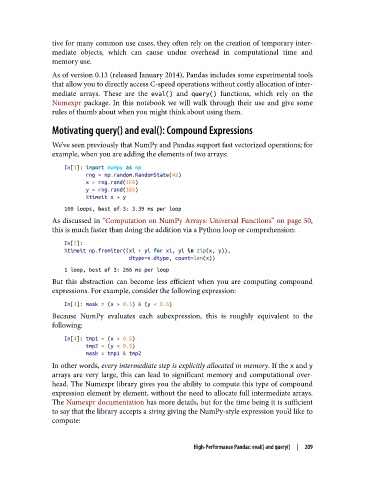
               We’ve seen previously that NumPy and Pandas support fast vectorized operations; for
               example, when you are adding the elements of two arrays:
                   In[1]: import numpy as np
                          rng = np.random.RandomState(42)
                          x = rng.rand(1E6)
                          y = rng.rand(1E6)
                          %timeit x + y
                   100 loops, best of 3: 3.39 ms per loop
               As discussed in “Computation on NumPy Arrays: Universal Functions” on page 50,
               this is much faster than doing the addition via a Python loop or comprehension:
                   In[2]:
                   %timeit np.fromiter((xi + yi for xi, yi in zip(x, y)),
                                        dtype=x.dtype, count=len(x))
                   1 loop, best of 3: 266 ms per loop
               But this abstraction can become less efficient when you are computing compound
               expressions. For example, consider the following expression:

                   In[3]: mask = (x > 0.5) & (y < 0.5)
               Because NumPy evaluates each subexpression, this is roughly equivalent to the
               following:

                   In[4]: tmp1 = (x > 0.5)
                          tmp2 = (y < 0.5)
                          mask = tmp1 & tmp2
               In other words, every intermediate step is explicitly allocated in memory. If the x and y
               arrays are very large, this can lead to significant memory and computational over‐
               head. The Numexpr library gives you the ability to compute this type of compound
               expression element by element, without the need to allocate full intermediate arrays.
               The Numexpr documentation has more details, but for the time being it is sufficient
               to say that the library accepts a string giving the NumPy-style expression you’d like to
               compute:


                                                       High-Performance Pandas: eval() and query()  |  209

