


Page 35 - Python Data Science Handbook
P. 35
systems are the precursors of the shells and terminals that most active data scientists
               still use today.
               Someone unfamiliar with the shell might ask why you would bother with this, when
               you can accomplish many results by simply clicking on icons and menus. A shell user
               might reply with another question: why hunt icons and click menus when you can
               accomplish things much more easily by typing? While it might sound like a typical
               tech preference impasse, when moving beyond basic tasks it quickly becomes clear
               that the shell offers much more control of advanced tasks, though admittedly the
               learning curve can intimidate the average computer user.
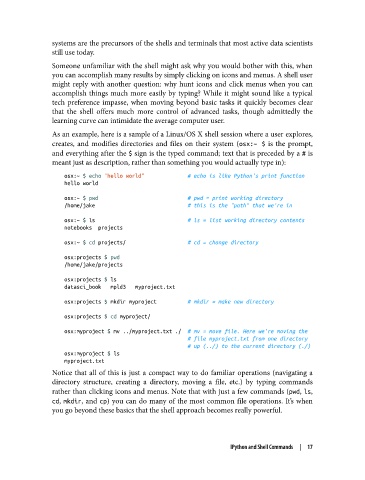
               As an example, here is a sample of a Linux/OS X shell session where a user explores,
               creates, and modifies directories and files on their system (osx:~ $  is the prompt,
               and everything after the $ sign is the typed command; text that is preceded by a # is
               meant just as description, rather than something you would actually type in):

                   osx:~ $ echo "hello world"              # echo is like Python's print function
                   hello world

                   osx:~ $ pwd                             # pwd = print working directory
                   /home/jake                              # this is the "path" that we're in
                   osx:~ $ ls                              # ls = list working directory contents
                   notebooks  projects
                   osx:~ $ cd projects/                    # cd = change directory

                   osx:projects $ pwd
                   /home/jake/projects

                   osx:projects $ ls
                   datasci_book   mpld3   myproject.txt
                   osx:projects $ mkdir myproject          # mkdir = make new directory

                   osx:projects $ cd myproject/
                   osx:myproject $ mv ../myproject.txt ./  # mv = move file. Here we're moving the
                                                           # file myproject.txt from one directory
                                                           # up (../) to the current directory (./)
                   osx:myproject $ ls
                   myproject.txt
               Notice that all of this is just a compact way to do familiar operations (navigating a
               directory structure, creating a directory, moving a file, etc.) by typing commands
               rather than clicking icons and menus. Note that with just a few commands (pwd, ls,
               cd, mkdir, and cp) you can do many of the most common file operations. It’s when
               you go beyond these basics that the shell approach becomes really powerful.


                                                                 IPython and Shell Commands  |  17

