


Page 37 - Python Data Science Handbook
P. 37
The curly braces contain the variable name, which is replaced by the variable’s con‐
               tents in the shell command.

               Shell-Related Magic Commands

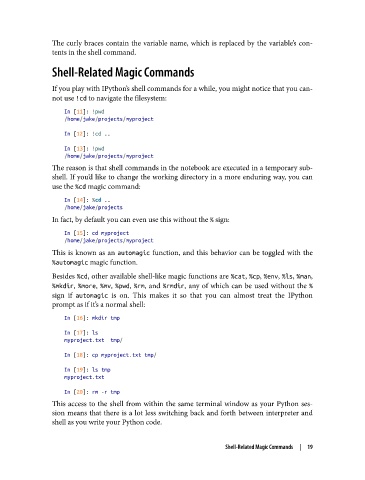
               If you play with IPython’s shell commands for a while, you might notice that you can‐
               not use !cd to navigate the filesystem:

                   In [11]: !pwd
                   /home/jake/projects/myproject
                   In [12]: !cd ..

                   In [13]: !pwd
                   /home/jake/projects/myproject
               The reason is that shell commands in the notebook are executed in a temporary sub‐
               shell. If you’d like to change the working directory in a more enduring way, you can
               use the %cd magic command:

                   In [14]: %cd ..
                   /home/jake/projects
               In fact, by default you can even use this without the % sign:

                   In [15]: cd myproject
                   /home/jake/projects/myproject
               This is known as an automagic  function, and this behavior can be toggled with the
               %automagic magic function.

               Besides %cd, other available shell-like magic functions are %cat, %cp, %env, %ls, %man,
               %mkdir, %more, %mv, %pwd, %rm, and %rmdir, any of which can be used without the %
               sign if automagic  is on. This makes it so that you can almost treat the IPython
               prompt as if it’s a normal shell:
                   In [16]: mkdir tmp

                   In [17]: ls
                   myproject.txt  tmp/

                   In [18]: cp myproject.txt tmp/
                   In [19]: ls tmp
                   myproject.txt

                   In [20]: rm -r tmp
               This access to the shell from within the same terminal window as your Python ses‐
               sion means that there is a lot less switching back and forth between interpreter and
               shell as you write your Python code.


                                                               Shell-Related Magic Commands  |  19

