


Page 38 - Python Data Science Handbook
P. 38
Errors and Debugging


               Code development and data analysis always require a bit of trial and error, and
               IPython contains tools to streamline this process. This section will briefly cover some
               options for controlling Python’s exception reporting, followed by exploring tools for
               debugging errors in code.

               Controlling Exceptions: %xmode

               Most of the time when a Python script fails, it will raise an exception. When the inter‐
               preter hits one of these exceptions, information about the cause of the error can be
               found in the traceback, which can be accessed from within Python. With the %xmode
               magic function, IPython allows you to control the amount of information printed
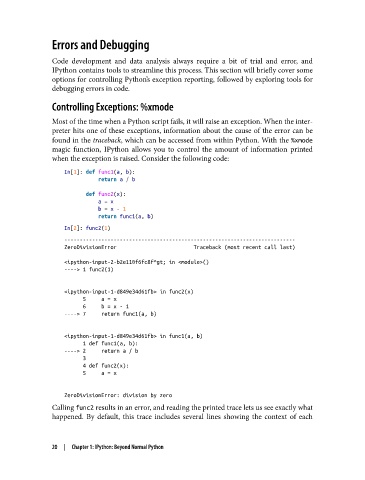
               when the exception is raised. Consider the following code:

                   In[1]: def func1(a, b):
                              return a / b

                          def func2(x):
                              a = x
                              b = x - 1
                              return func1(a, b)
                   In[2]: func2(1)
                   ---------------------------------------------------------------------------
                   ZeroDivisionError                         Traceback (most recent call last)

                   <ipython-input-2-b2e110f6fc8f^gt; in <module>()
                   ----> 1 func2(1)


                   <ipython-input-1-d849e34d61fb> in func2(x)
                         5     a = x
                         6     b = x - 1
                   ----> 7     return func1(a, b)

                   <ipython-input-1-d849e34d61fb> in func1(a, b)
                         1 def func1(a, b):
                   ----> 2     return a / b
                         3
                         4 def func2(x):
                         5     a = x


                   ZeroDivisionError: division by zero
               Calling func2 results in an error, and reading the printed trace lets us see exactly what
               happened. By default, this trace includes several lines showing the context of each


               20  |  Chapter 1: IPython: Beyond Normal Python

