


Page 30 - Python Data Science Handbook
P. 30
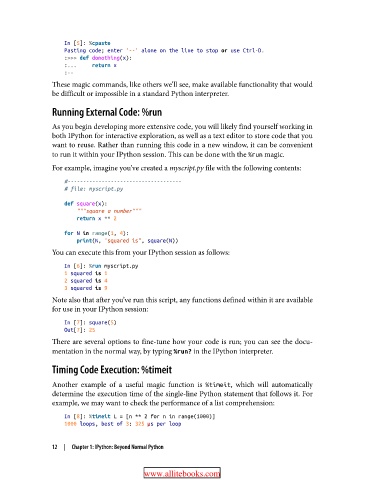
In [5]: %cpaste
                   Pasting code; enter '--' alone on the line to stop or use Ctrl-D.
                   :>>> def donothing(x):
                   :...     return x
                   :--
               These magic commands, like others we’ll see, make available functionality that would
               be difficult or impossible in a standard Python interpreter.

               Running External Code: %run

               As you begin developing more extensive code, you will likely find yourself working in
               both IPython for interactive exploration, as well as a text editor to store code that you
               want to reuse. Rather than running this code in a new window, it can be convenient
               to run it within your IPython session. This can be done with the %run magic.
               For example, imagine you’ve created a myscript.py file with the following contents:

                   #-------------------------------------
                   # file: myscript.py
                   def square(x):
                       """square a number"""
                       return x ** 2

                   for N in range(1, 4):
                       print(N, "squared is", square(N))
               You can execute this from your IPython session as follows:
                   In [6]: %run myscript.py
                   1 squared is 1
                   2 squared is 4
                   3 squared is 9
               Note also that after you’ve run this script, any functions defined within it are available
               for use in your IPython session:

                   In [7]: square(5)
                   Out[7]: 25
               There are several options to fine-tune how your code is run; you can see the docu‐
               mentation in the normal way, by typing %run? in the IPython interpreter.
               Timing Code Execution: %timeit

               Another example of a useful magic function is %timeit, which will automatically
               determine the execution time of the single-line Python statement that follows it. For
               example, we may want to check the performance of a list comprehension:

                   In [8]: %timeit L = [n ** 2 for n in range(1000)]
                   1000 loops, best of 3: 325 µs per loop


               12  |  Chapter 1: IPython: Beyond Normal Python


                                         www.allitebooks.com

