


Page 32 - Python Data Science Handbook
P. 32
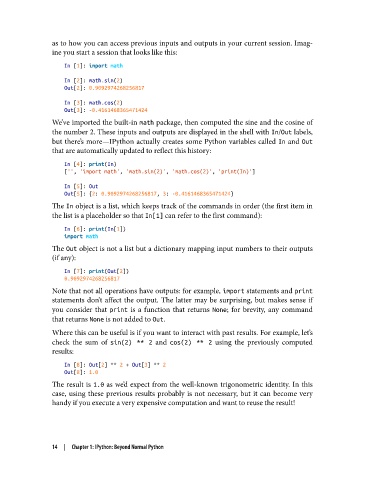
as to how you can access previous inputs and outputs in your current session. Imag‐
               ine you start a session that looks like this:

                   In [1]: import math
                   In [2]: math.sin(2)
                   Out[2]: 0.9092974268256817
                   In [3]: math.cos(2)
                   Out[3]: -0.4161468365471424
               We’ve imported the built-in math package, then computed the sine and the cosine of
               the number 2. These inputs and outputs are displayed in the shell with In/Out labels,
               but there’s more—IPython actually creates some Python variables called In and Out
               that are automatically updated to reflect this history:

                   In [4]: print(In)
                   ['', 'import math', 'math.sin(2)', 'math.cos(2)', 'print(In)']

                   In [5]: Out
                   Out[5]: {2: 0.9092974268256817, 3: -0.4161468365471424}
               The In object is a list, which keeps track of the commands in order (the first item in
               the list is a placeholder so that In[1] can refer to the first command):

                   In [6]: print(In[1])
                   import math
               The Out object is not a list but a dictionary mapping input numbers to their outputs
               (if any):
                   In [7]: print(Out[2])
                   0.9092974268256817

               Note that not all operations have outputs: for example, import statements and print
               statements don’t affect the output. The latter may be surprising, but makes sense if
               you consider that print  is a function that returns None; for brevity, any command
               that returns None is not added to Out.
               Where this can be useful is if you want to interact with past results. For example, let’s
               check the sum of sin(2) ** 2  and cos(2) ** 2  using the previously computed
               results:
                   In [8]: Out[2] ** 2 + Out[3] ** 2
                   Out[8]: 1.0
               The result is 1.0 as we’d expect from the well-known trigonometric identity. In this
               case, using these previous results probably is not necessary, but it can become very
               handy if you execute a very expensive computation and want to reuse the result!


               14  |  Chapter 1: IPython: Beyond Normal Python

