


Page 42 - Python Data Science Handbook
P. 42
File "<ipython-input-1-d849e34d61fb>", line 2, in func1
return a / b
ZeroDivisionError: division by zero
> <ipython-input-1-d849e34d61fb>(2)func1()
1 def func1(a, b):
----> 2 return a / b
3
ipdb> print(b)
0
ipdb> quit
Finally, if you have a script that you’d like to run from the beginning in interactive
mode, you can run it with the command %run -d, and use the next command to step
through the lines of code interactively.
Partial list of debugging commands
There are many more available commands for interactive debugging than we’ve listed
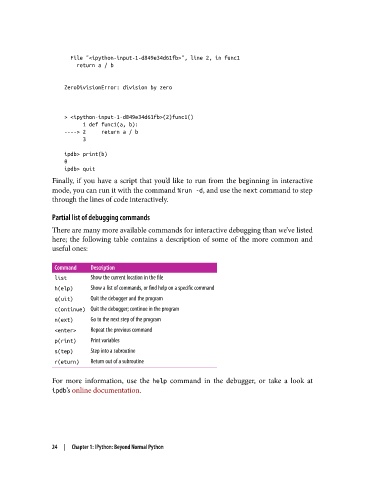
here; the following table contains a description of some of the more common and
useful ones:
Command Description
list Show the current location in the le
h(elp) Show a list of commands, or nd help on a specic command
q(uit) Quit the debugger and the program
c(ontinue) Quit the debugger; continue in the program
n(ext) Go to the next step of the program
<enter> Repeat the previous command
p(rint) Print variables
s(tep) Step into a subroutine
r(eturn) Return out of a subroutine
For more information, use the help command in the debugger, or take a look at
ipdb’s online documentation.
24 | Chapter 1: IPython: Beyond Normal Python

