


Page 43 - Python Data Science Handbook
P. 43
Profiling and Timing Code


               In the process of developing code and creating data processing pipelines, there are
               often trade-offs you can make between various implementations. Early in developing
               your algorithm, it can be counterproductive to worry about such things. As Donald
               Knuth famously quipped, “We should forget about small efficiencies, say about 97%
               of the time: premature optimization is the root of all evil.”
               But once you have your code working, it can be useful to dig into its efficiency a bit.
               Sometimes it’s useful to check the execution time of a given command or set of com‐
               mands; other times it’s useful to dig into a multiline process and determine where the
               bottleneck lies in some complicated series of operations. IPython provides access to a
               wide array of functionality for this kind of timing and profiling of code. Here we’ll
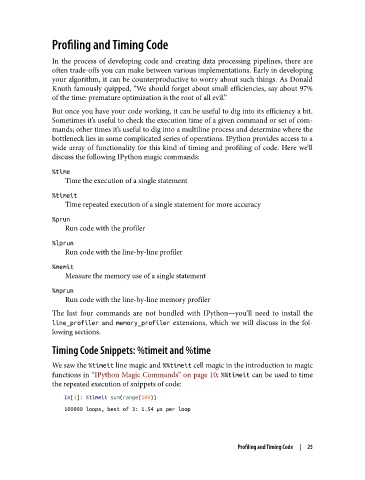
               discuss the following IPython magic commands:

               %time
                   Time the execution of a single statement

               %timeit
                   Time repeated execution of a single statement for more accuracy

               %prun
                   Run code with the profiler

               %lprun
                   Run code with the line-by-line profiler

               %memit
                   Measure the memory use of a single statement
               %mprun
                   Run code with the line-by-line memory profiler
               The last four commands are not bundled with IPython—you’ll need to install the
               line_profiler  and memory_profiler  extensions, which we will discuss in the fol‐
               lowing sections.

               Timing Code Snippets: %timeit and %time

               We saw the %timeit line magic and %%timeit cell magic in the introduction to magic
               functions in “IPython Magic Commands” on page 10; %%timeit can be used to time
               the repeated execution of snippets of code:

                   In[1]: %timeit sum(range(100))
                   100000 loops, best of 3: 1.54 µs per loop


                                                                   Profiling and Timing Code  |  25

