


Page 40 - Computing book 6
P. 40
Document Creation                                                                    Class 6


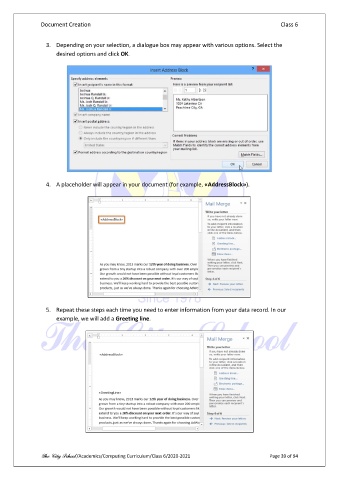
                 3.  Depending on your selection, a dialogue box may appear with various options. Select the
                     desired options and click OK.


                 4.  A placeholder will appear in your document (for example, «AddressBlock»).


                 5.  Repeat these steps each time you need to enter information from your data record. In our
                     example, we will add a Greeting line.


               The City School /Academics/Computing Curriculum/Class 6/2020-2021                Page 39 of 94

