


Page 11 - Computing Book 4
P. 11
Creating a Document                                                                  Class 4


               To Indent Using the Indent Markers:


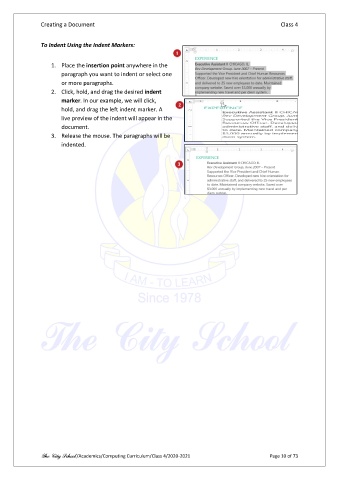
                   1.  Place the insertion point anywhere in the
                       paragraph you want to indent or select one
                       or more paragraphs.
                   2.  Click, hold, and drag the desired indent
                       marker. In our example, we will click,
                       hold, and drag the left indent marker. A
                       live preview of the indent will appear in the
                       document.
                   3.  Release the mouse. The paragraphs will be
                       indented.


               The City School /Academics/Computing Curriculum/Class 4/2020-2021                Page 10 of 73

