


Page 56 - Computing Book 4
P. 56
Collecting Information – MS Access                                                   Class 4


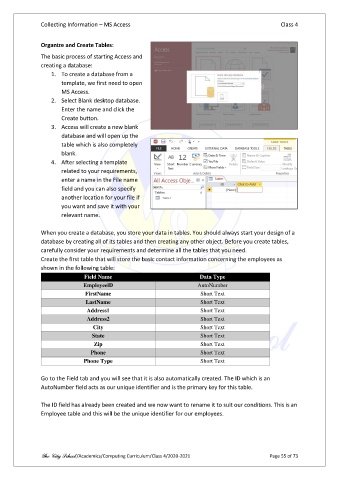
               Organize and Create Tables:

               The basic process of starting Access and
               creating a database:
                   1.  To create a database from a
                       template, we first need to open
                       MS Access.
                   2.  Select Blank desktop database.
                       Enter the name and click the
                       Create button.
                   3.  Access will create a new blank
                       database and will open up the
                       table which is also completely
                       blank.
                   4.  After selecting a template
                       related to your requirements,
                       enter a name in the File name
                       field and you can also specify
                       another location for your file if
                       you want and save it with your
                       relevant name.

               When you create a database, you store your data in tables. You should always start your design of a
               database by creating all of its tables and then creating any other object. Before you create tables,
               carefully consider your requirements and determine all the tables that you need.
               Create the first table that will store the basic contact information concerning the employees as
               shown in the following table:
                               Field Name                              Data Type
                              EmployeelD                              AutoNumber
                               FirstName                               Short Text
                               LastName                                Short Text
                                Address1                               Short Text
                                Address2                               Short Text
                                  City                                 Short Text
                                 State                                 Short Text
                                  Zip                                  Short Text
                                 Phone                                 Short Text
                              Phone Type                               Short Text

               Go to the Field tab and you will see that it is also automatically created. The ID which is an
               AutoNumber field acts as our unique identifier and is the primary key for this table.

               The ID field has already been created and we now want to rename it to suit our conditions. This is an
               Employee table and this will be the unique identifier for our employees.


               The City School /Academics/Computing Curriculum/Class 4/2020-2021                Page 55 of 73

