


Page 4 - Employee Navigator Guide
P. 4
Step 5: Select the address type, and finish entering all other fields (City, State, Zip etc) when completed
               click on “Save”


               Step 6: There are many other items tha can be updated under the employee profile, just select the
               correspondent category on the “MANAGE EMPLOYEE” Menu and you will find the option to edit/add
               any new information. Be advised that some of these items have required fields. For example, if you are
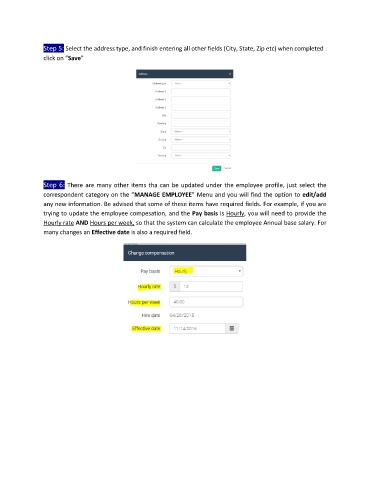
               trying to update the employee compesation, and the Pay basis is Hourly, you will need to provide the
               Hourly rate AND Hours per week, so that the system can calculate the employee Annual base salary. For
               many changes an Effective date is also a required field.

