


Page 7 - Employee Navigator Guide
P. 7
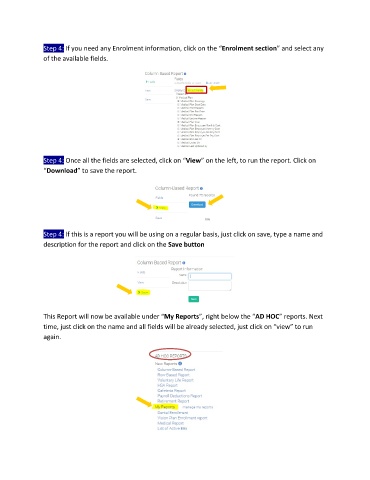
Step 4: If you need any Enrolment information, click on the “Enrolment section” and select any
               of the available fields.


               Step 4: Once all the fields are selected, click on “View” on the left, to run the report. Click on
               “Download” to save the report.


               Step 4: If this is a report you will be using on a regular basis, just click on save, type a name and
               description for the report and click on the Save button


               This Report will now be available under “My Reports”, right below the “AD HOC” reports. Next
               time, just click on the name and all fields will be already selected, just click on “view” to run
               again.

