


Page 6 - Employee Navigator Guide
P. 6
How to Run an Ad Hoc Report


               Step 1: Login to your Employee Navigator account by following the link below:

               https://www.employeenavigator.com/benefits/Login.aspx

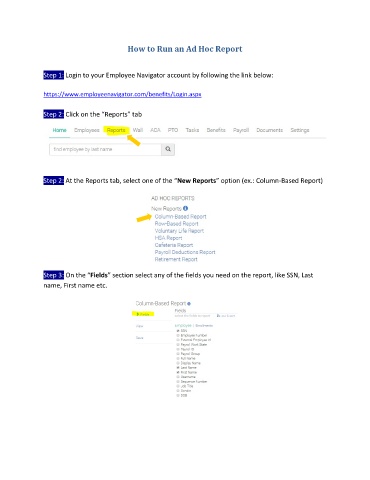
               Step 2: Click on the “Reports” tab


               Step 2: At the Reports tab, select one of the “New Reports” option (ex.: Column-Based Report)


               Step 3: On the “Fields” section select any of the fields you need on the report, like SSN, Last
               name, First name etc.

