


Page 22 - TCS ICT Book 5
P. 22
The City School  2021-2022


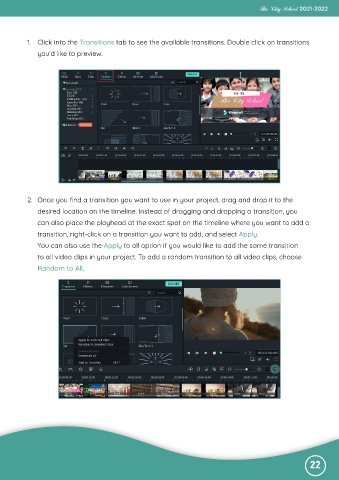
           1.  Click into the Transitions tab to see the available transitions. Double click on transitions

              you’d like to preview.


           2.  Once you find a transition you want to use in your project, drag and drop it to the
              desired location on the timeline. Instead of dragging and dropping a transition, you

              can also place the playhead at the exact spot on the timeline where you want to add a
              transition, right-click on a transition you want to add, and select Apply.

              You can also use the Apply to all option if you would like to add the same transition
              to all video clips in your project. To add a random transition to all video clips, choose

              Random to All.


                                                                                                              22

