


Page 75 - Learn To Program With Scratch
P. 75
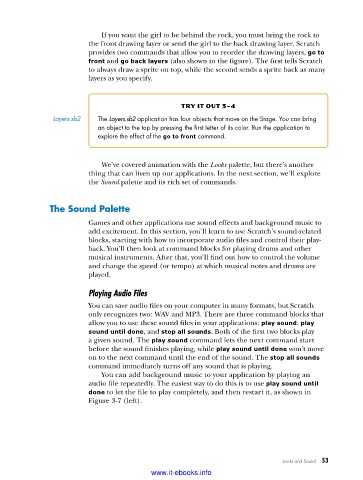
If you want the girl to be behind the rock, you must bring the rock to
                          the front drawing layer or send the girl to the back drawing layer. Scratch
                          provides two commands that allow you to reorder the drawing layers, go to
                          front and go back layers (also shown in the figure). The first tells Scratch
                          to always draw a sprite on top, while the second sends a sprite back as many
                          layers as you specify.


                                                   try it out 3-4
                Layers .sb2  The Layers.sb2 application has four objects that move on the Stage . You can bring
                            an object to the top by pressing the first letter of its color . Run the application to
                            explore the effect of the go to front command .


                             We’ve covered animation with the Looks palette, but there’s another
                          thing that can liven up our applications. In the next section, we’ll explore
                          the Sound palette and its rich set of commands.


               the Sound Palette

                          Games and other applications use sound effects and background music to
                          add excitement. In this section, you’ll learn to use Scratch’s sound-related
                          blocks, starting with how to incorporate audio files and control their play-
                          back. You’ll then look at command blocks for playing drums and other
                          musical instruments. After that, you’ll find out how to control the volume
                          and change the speed (or tempo) at which musical notes and drums are
                          played.

                          Playing Audio Files
                          You can save audio files on your computer in many formats, but Scratch
                          only recognizes two: WAV and MP3. There are three command blocks that
                          allow you to use these sound files in your applications: play sound, play
                          sound until done, and stop all sounds. Both of the first two blocks play
                          a given sound. The play sound command lets the next command start
                          before the sound finishes playing, while play sound until done won’t move
                          on to the next command until the end of the sound. The stop all sounds
                          command immediately turns off any sound that is playing.
                             You can add background music to your application by playing an
                          audio file repeatedly. The easiest way to do this is to use play sound until
                          done to let the file to play completely, and then restart it, as shown in
                          Figure 3-7 (left).


                                                                                Looks and Sound   53

                                           www.it-ebooks.info

