


Page 145 - Basic Course
P. 145
KNX BASIC COURSE

                  1.8 Dashboard tabs


                  1.8.1  Overview tab
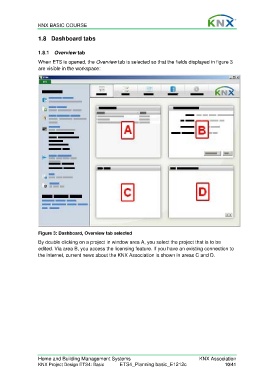
                  When ETS is opened, the Overview tab is selected so that the fields displayed in figure 3
                  are visible in the workspace:


                  Figure 3: Dashboard, Overview tab selected
                  By double clicking on a project in window area A, you select the project that is to be
                  edited. Via area B, you access the licensing feature. If you have an existing connection to
                  the internet, current news about the KNX Association is shown in areas C and D.


                  Home and Building Management Systems                                    KNX Association
                  KNX Project Design ETS4: Basic      ETS4_Planning basic_E1212c                     10/41

