


Page 25 - Computing E-Book Grade 3
P. 25
The City School  2021-2022


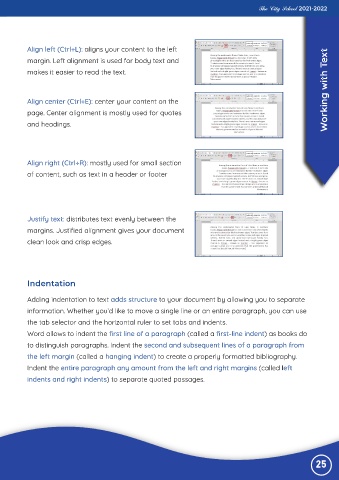
           Align left (Ctrl+L): aligns your content to the left
           margin. Left alignment is used for body text and                                                         ext

           makes it easier to read the text.


           Align center (Ctrl+E): center your content on the                                                        Working with T

           page. Center alignment is mostly used for quotes
           and headings.


           Align right (Ctrl+R): mostly used for small section

           of content, such as text in a header or footer


           Justify text: distributes text evenly between the
           margins. Justified alignment gives your document

           clean look and crisp edges.


           Indentation

           Adding indentation to text adds structure to your document by allowing you to separate

           information. Whether you’d like to move a single line or an entire paragraph, you can use

           the tab selector and the horizontal ruler to set tabs and indents.
           Word allows to indent the first line of a paragraph (called a first-line indent) as books do
           to distinguish paragraphs. Indent the second and subsequent lines of a paragraph from

           the left margin (called a hanging indent) to create a properly formatted bibliography.

           Indent the entire paragraph any amount from the left and right margins (called left
           indents and right indents) to separate quoted passages.


                                                                                                                25

