


Page 28 - Computing E-Book Grade 3
P. 28
The City School  2021-2022


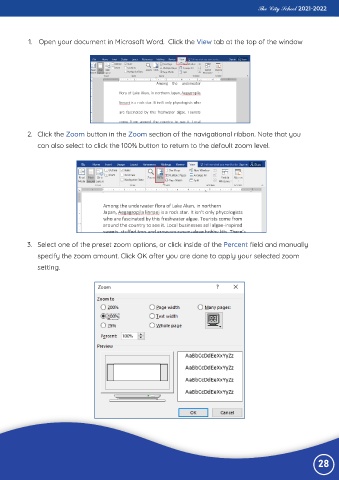
           1.  Open your document in Microsoft Word.  Click the View tab at the top of the window


           2.  Click the Zoom button in the Zoom section of the navigational ribbon. Note that you

              can also select to click the 100% button to return to the default zoom level.


           3.  Select one of the preset zoom options, or click inside of the Percent field and manually

              specify the zoom amount. Click OK after you are done to apply your selected zoom
              setting.


                                                                                                                 28

