


Page 33 - Computing E-Book Grade 3
P. 33
The City School  2021-2022


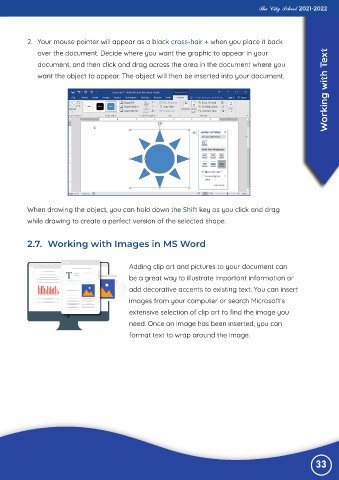
           2.  Your mouse pointer will appear as a black cross-hair + when you place it back
              over the document. Decide where you want the graphic to appear in your                                ext

              document, and then click and drag across the area in the document where you
                                                                                                                    Working with T
              want the object to appear. The object will then be inserted into your document.


           When drawing the object, you can hold down the Shift key as you click and drag
           while drawing to create a perfect version of the selected shape.


           2.7.  Working with Images in MS Word


                                              Adding clip art and pictures to your document can

                                              be a great way to illustrate important information or
                                              add decorative accents to existing text. You can insert

                                              images from your computer or search Microsoft’s
                                              extensive selection of clip art to find the image you

                                              need. Once an image has been inserted, you can
                                              format text to wrap around the image.


                                                                                                                33

