


Page 111 - Python Data Science Handbook
P. 111
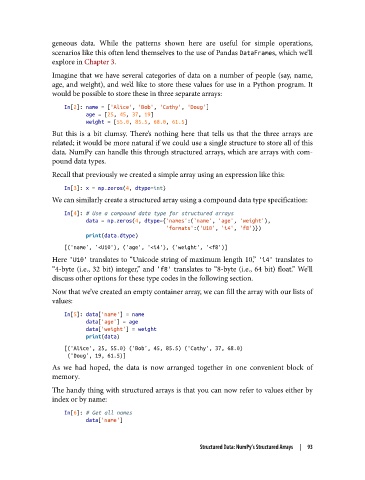
geneous data. While the patterns shown here are useful for simple operations,
               scenarios like this often lend themselves to the use of Pandas DataFrames, which we’ll
               explore in Chapter 3.
               Imagine that we have several categories of data on a number of people (say, name,
               age, and weight), and we’d like to store these values for use in a Python program. It
               would be possible to store these in three separate arrays:

                   In[2]: name = ['Alice', 'Bob', 'Cathy', 'Doug']
                          age = [25, 45, 37, 19]
                          weight = [55.0, 85.5, 68.0, 61.5]
               But this is a bit clumsy. There’s nothing here that tells us that the three arrays are
               related; it would be more natural if we could use a single structure to store all of this
               data. NumPy can handle this through structured arrays, which are arrays with com‐
               pound data types.
               Recall that previously we created a simple array using an expression like this:

                   In[3]: x = np.zeros(4, dtype=int)
               We can similarly create a structured array using a compound data type specification:
                   In[4]: # Use a compound data type for structured arrays
                          data = np.zeros(4, dtype={'names':('name', 'age', 'weight'),
                                                    'formats':('U10', 'i4', 'f8')})
                          print(data.dtype)
                   [('name', '<U10'), ('age', '<i4'), ('weight', '<f8')]
               Here 'U10' translates to “Unicode string of maximum length 10,” 'i4' translates to
               “4-byte (i.e., 32 bit) integer,” and 'f8'  translates to “8-byte (i.e., 64 bit) float.” We’ll
               discuss other options for these type codes in the following section.
               Now that we’ve created an empty container array, we can fill the array with our lists of
               values:

                   In[5]: data['name'] = name
                          data['age'] = age
                          data['weight'] = weight
                          print(data)
                   [('Alice', 25, 55.0) ('Bob', 45, 85.5) ('Cathy', 37, 68.0)
                    ('Doug', 19, 61.5)]
               As we had hoped, the data is now arranged together in one convenient block of
               memory.
               The handy thing with structured arrays is that you can now refer to values either by
               index or by name:
                   In[6]: # Get all names
                          data['name']


                                                        Structured Data: NumPy’s Structured Arrays  |  93

