


Page 113 - Python Data Science Handbook
P. 113
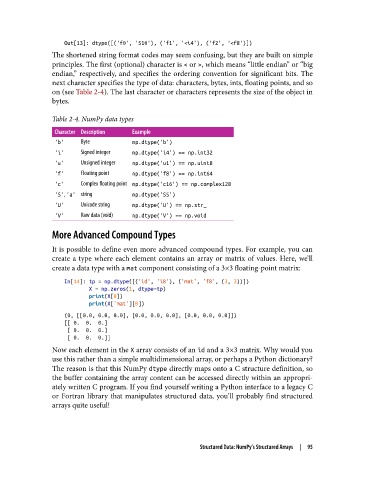
Out[13]: dtype([('f0', 'S10'), ('f1', '<i4'), ('f2', '<f8')])
The shortened string format codes may seem confusing, but they are built on simple
principles. The first (optional) character is < or >, which means “little endian” or “big
endian,” respectively, and specifies the ordering convention for significant bits. The
next character specifies the type of data: characters, bytes, ints, floating points, and so
on (see Table 2-4). The last character or characters represents the size of the object in
bytes.
Table 2-4. NumPy data types
Character Description Example
'b' Byte np.dtype('b')
'i' Signed integer np.dtype('i4') == np.int32
'u' Unsigned integer np.dtype('u1') == np.uint8
'f' Floating point np.dtype('f8') == np.int64
'c' Complex oating point np.dtype('c16') == np.complex128
'S', 'a' string np.dtype('S5')
'U' Unicode string np.dtype('U') == np.str_
'V' Raw data (void) np.dtype('V') == np.void
More Advanced Compound Types
It is possible to define even more advanced compound types. For example, you can
create a type where each element contains an array or matrix of values. Here, we’ll
create a data type with a mat component consisting of a 3×3 floating-point matrix:
In[14]: tp = np.dtype([('id', 'i8'), ('mat', 'f8', (3, 3))])
X = np.zeros(1, dtype=tp)
print(X[0])
print(X['mat'][0])
(0, [[0.0, 0.0, 0.0], [0.0, 0.0, 0.0], [0.0, 0.0, 0.0]])
[[ 0. 0. 0.]
[ 0. 0. 0.]
[ 0. 0. 0.]]
Now each element in the X array consists of an id and a 3×3 matrix. Why would you
use this rather than a simple multidimensional array, or perhaps a Python dictionary?
The reason is that this NumPy dtype directly maps onto a C structure definition, so
the buffer containing the array content can be accessed directly within an appropri‐
ately written C program. If you find yourself writing a Python interface to a legacy C
or Fortran library that manipulates structured data, you’ll probably find structured
arrays quite useful!
Structured Data: NumPy’s Structured Arrays | 95

