


Page 108 - Python Data Science Handbook
P. 108
In[18]: # square the coordinate differences
                           sq_differences = differences ** 2
                           sq_differences.shape
                   Out[18]: (10, 10, 2)

                   In[19]: # sum the coordinate differences to get the squared distance
                           dist_sq = sq_differences.sum(-1)
                           dist_sq.shape
                   Out[19]: (10, 10)
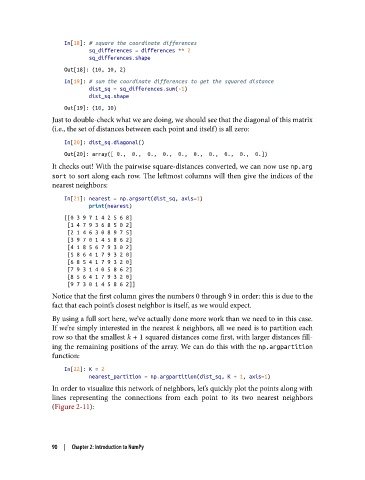
               Just to double-check what we are doing, we should see that the diagonal of this matrix
               (i.e., the set of distances between each point and itself) is all zero:

                   In[20]: dist_sq.diagonal()
                   Out[20]: array([ 0.,  0.,  0.,  0.,  0.,  0.,  0.,  0.,  0.,  0.])
               It checks out! With the pairwise square-distances converted, we can now use np.arg
               sort  to sort along each row. The leftmost columns will then give the indices of the
               nearest neighbors:

                   In[21]: nearest = np.argsort(dist_sq, axis=1)
                           print(nearest)
                   [[0 3 9 7 1 4 2 5 6 8]
                    [1 4 7 9 3 6 8 5 0 2]
                    [2 1 4 6 3 0 8 9 7 5]
                    [3 9 7 0 1 4 5 8 6 2]
                    [4 1 8 5 6 7 9 3 0 2]
                    [5 8 6 4 1 7 9 3 2 0]
                    [6 8 5 4 1 7 9 3 2 0]
                    [7 9 3 1 4 0 5 8 6 2]
                    [8 5 6 4 1 7 9 3 2 0]
                    [9 7 3 0 1 4 5 8 6 2]]
               Notice that the first column gives the numbers 0 through 9 in order: this is due to the
               fact that each point’s closest neighbor is itself, as we would expect.
               By using a full sort here, we’ve actually done more work than we need to in this case.
               If we’re simply interested in the nearest k neighbors, all we need is to partition each
               row so that the smallest k + 1 squared distances come first, with larger distances fill‐
               ing the remaining positions of the array. We can do this with the np.argpartition
               function:

                   In[22]: K = 2
                           nearest_partition = np.argpartition(dist_sq, K + 1, axis=1)
               In order to visualize this network of neighbors, let’s quickly plot the points along with
               lines representing the connections from each point to its two nearest neighbors
               (Figure 2-11):


               90  |  Chapter 2: Introduction to NumPy

