


Page 116 - Python Data Science Handbook
P. 116
Cython sources on which Pandas is built. Details on this installation can be found in
               the Pandas documentation. If you followed the advice outlined in the preface and
               used the Anaconda stack, you already have Pandas installed.
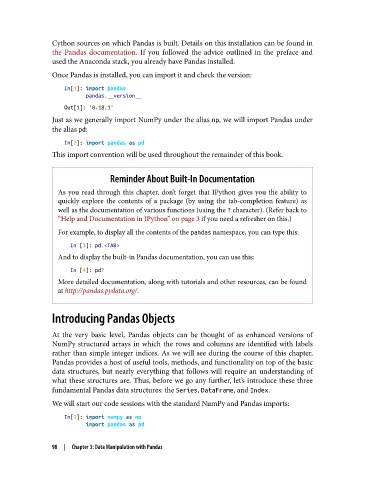
               Once Pandas is installed, you can import it and check the version:

                   In[1]: import pandas
                          pandas.__version__
                   Out[1]: '0.18.1'
               Just as we generally import NumPy under the alias np, we will import Pandas under
               the alias pd:

                   In[2]: import pandas as pd
               This import convention will be used throughout the remainder of this book.


                               Reminder About Built-In Documentation
                 As you read through this chapter, don’t forget that IPython gives you the ability to
                 quickly explore the contents of a package (by using the tab-completion feature) as
                 well as the documentation of various functions (using the ? character). (Refer back to
                 “Help and Documentation in IPython” on page 3 if you need a refresher on this.)
                 For example, to display all the contents of the pandas namespace, you can type this:

                    In [3]: pd.<TAB>
                 And to display the built-in Pandas documentation, you can use this:

                    In [4]: pd?
                 More detailed documentation, along with tutorials and other resources, can be found
                 at http://pandas.pydata.org/.


               Introducing Pandas Objects


               At the very basic level, Pandas objects can be thought of as enhanced versions of
               NumPy structured arrays in which the rows and columns are identified with labels
               rather than simple integer indices. As we will see during the course of this chapter,
               Pandas provides a host of useful tools, methods, and functionality on top of the basic
               data structures, but nearly everything that follows will require an understanding of
               what these structures are. Thus, before we go any further, let’s introduce these three
               fundamental Pandas data structures: the Series, DataFrame, and Index.

               We will start our code sessions with the standard NumPy and Pandas imports:
                   In[1]: import numpy as np
                          import pandas as pd


               98  |  Chapter 3: Data Manipulation with Pandas

