


Page 118 - Python Data Science Handbook
P. 118
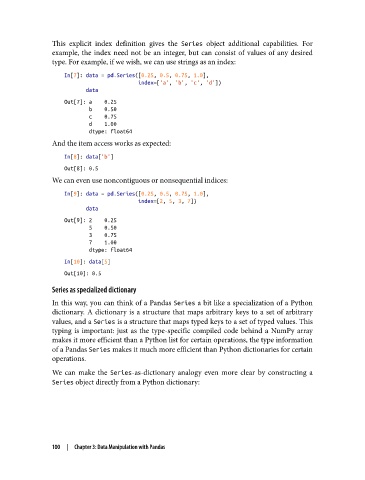
This explicit index definition gives the Series  object additional capabilities. For
               example, the index need not be an integer, but can consist of values of any desired
               type. For example, if we wish, we can use strings as an index:
                   In[7]: data = pd.Series([0.25, 0.5, 0.75, 1.0],
                                           index=['a', 'b', 'c', 'd'])
                          data
                   Out[7]: a    0.25
                           b    0.50
                           c    0.75
                           d    1.00
                           dtype: float64
               And the item access works as expected:
                   In[8]: data['b']
                   Out[8]: 0.5
               We can even use noncontiguous or nonsequential indices:

                   In[9]: data = pd.Series([0.25, 0.5, 0.75, 1.0],
                                           index=[2, 5, 3, 7])
                          data
                   Out[9]: 2    0.25
                           5    0.50
                           3    0.75
                           7    1.00
                           dtype: float64
                   In[10]: data[5]
                   Out[10]: 0.5

               Series as specialized dictionary
               In this way, you can think of a Pandas Series a bit like a specialization of a Python
               dictionary. A dictionary is a structure that maps arbitrary keys to a set of arbitrary
               values, and a Series is a structure that maps typed keys to a set of typed values. This
               typing is important: just as the type-specific compiled code behind a NumPy array
               makes it more efficient than a Python list for certain operations, the type information
               of a Pandas Series makes it much more efficient than Python dictionaries for certain
               operations.
               We can make the Series-as-dictionary analogy even more clear by constructing a
               Series object directly from a Python dictionary:


               100  |  Chapter 3: Data Manipulation with Pandas

