


Page 121 - Python Data Science Handbook
P. 121
area = pd.Series(area_dict)
                   area
                   Out[18]: California    423967
                            Florida       170312
                            Illinois      149995
                            New York      141297
                            Texas         695662
                            dtype: int64
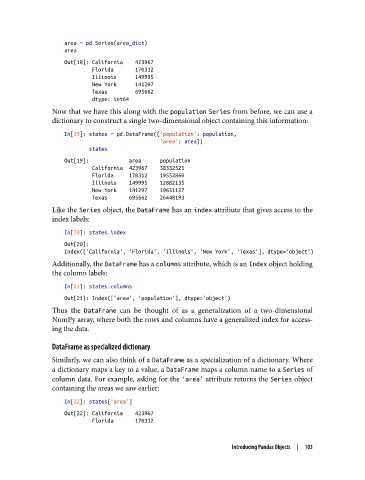
               Now that we have this along with the population Series from before, we can use a
               dictionary to construct a single two-dimensional object containing this information:
                   In[19]: states = pd.DataFrame({'population': population,
                                                  'area': area})
                           states
                   Out[19]:             area      population
                            California  423967    38332521
                            Florida     170312    19552860
                            Illinois    149995    12882135
                            New York    141297    19651127
                            Texas       695662    26448193
               Like the Series object, the DataFrame has an index attribute that gives access to the
               index labels:

                   In[20]: states.index
                   Out[20]:
                   Index(['California', 'Florida', 'Illinois', 'New York', 'Texas'], dtype='object')
               Additionally, the DataFrame has a columns attribute, which is an Index object holding
               the column labels:

                   In[21]: states.columns
                   Out[21]: Index(['area', 'population'], dtype='object')
               Thus the DataFrame  can be thought of as a generalization of a two-dimensional
               NumPy array, where both the rows and columns have a generalized index for access‐
               ing the data.

               DataFrame as specialized dictionary
               Similarly, we can also think of a DataFrame as a specialization of a dictionary. Where
               a dictionary maps a key to a value, a DataFrame maps a column name to a Series of
               column data. For example, asking for the 'area' attribute returns the Series object
               containing the areas we saw earlier:

                   In[22]: states['area']
                   Out[22]: California    423967
                            Florida       170312


                                                                 Introducing Pandas Objects  |  103

