


Page 120 - Python Data Science Handbook
P. 120
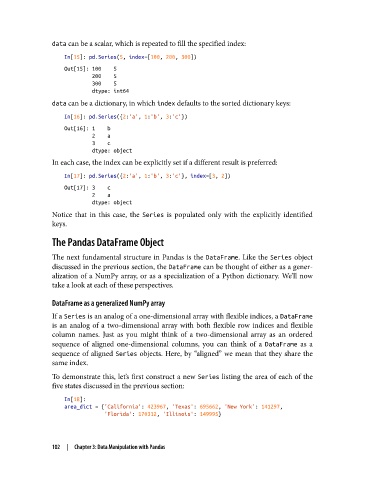
data can be a scalar, which is repeated to fill the specified index:
                   In[15]: pd.Series(5, index=[100, 200, 300])
                   Out[15]: 100    5
                            200    5
                            300    5
                            dtype: int64
               data can be a dictionary, in which index defaults to the sorted dictionary keys:

                   In[16]: pd.Series({2:'a', 1:'b', 3:'c'})
                   Out[16]: 1    b
                            2    a
                            3    c
                            dtype: object
               In each case, the index can be explicitly set if a different result is preferred:

                   In[17]: pd.Series({2:'a', 1:'b', 3:'c'}, index=[3, 2])
                   Out[17]: 3    c
                            2    a
                            dtype: object
               Notice that in this case, the Series  is populated only with the explicitly identified
               keys.
               The Pandas DataFrame Object


               The next fundamental structure in Pandas is the DataFrame. Like the Series  object
               discussed in the previous section, the DataFrame can be thought of either as a gener‐
               alization of a NumPy array, or as a specialization of a Python dictionary. We’ll now
               take a look at each of these perspectives.

               DataFrame as a generalized NumPy array

               If a Series is an analog of a one-dimensional array with flexible indices, a DataFrame
               is an analog of a two-dimensional array with both flexible row indices and flexible
               column names. Just as you might think of a two-dimensional array as an ordered
               sequence of aligned one-dimensional columns, you can think of a DataFrame  as a
               sequence of aligned Series  objects. Here, by “aligned” we mean that they share the
               same index.
               To demonstrate this, let’s first construct a new Series listing the area of each of the
               five states discussed in the previous section:
                   In[18]:
                   area_dict = {'California': 423967, 'Texas': 695662, 'New York': 141297,
                                'Florida': 170312, 'Illinois': 149995}


               102  |  Chapter 3: Data Manipulation with Pandas

