


Page 122 - Python Data Science Handbook
P. 122
Illinois      149995
                            New York      141297
                            Texas         695662
                            Name: area, dtype: int64
               Notice the potential point of confusion here: in a two-dimensional NumPy array,
               data[0] will return the first row. For a DataFrame, data['col0'] will return the first
               column. Because of this, it is probably better to think about DataFrames as generalized
               dictionaries rather than generalized arrays, though both ways of looking at the situa‐
               tion can be useful. We’ll explore more flexible means of indexing DataFrames in “Data
               Indexing and Selection” on page 107.


               Constructing DataFrame objects
               A Pandas DataFrame can be constructed in a variety of ways. Here we’ll give several
               examples.

               From a single Series object.    A DataFrame is a collection of Series objects, and a single-
               column DataFrame can be constructed from a single Series:

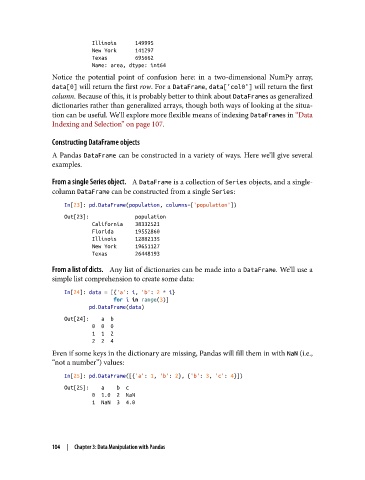
                   In[23]: pd.DataFrame(population, columns=['population'])
                   Out[23]:               population
                            California    38332521
                            Florida       19552860
                            Illinois      12882135
                            New York      19651127
                            Texas         26448193

               From a list of dicts.    Any list of dictionaries can be made into a DataFrame. We’ll use a
               simple list comprehension to create some data:

                   In[24]: data = [{'a': i, 'b': 2 * i}
                                   for i in range(3)]
                           pd.DataFrame(data)
                   Out[24]:    a  b
                            0  0  0
                            1  1  2
                            2  2  4
               Even if some keys in the dictionary are missing, Pandas will fill them in with NaN (i.e.,
               “not a number”) values:
                   In[25]: pd.DataFrame([{'a': 1, 'b': 2}, {'b': 3, 'c': 4}])
                   Out[25]:    a    b  c
                            0  1.0  2  NaN
                            1  NaN  3  4.0


               104  |  Chapter 3: Data Manipulation with Pandas

