


Page 123 - Python Data Science Handbook
P. 123
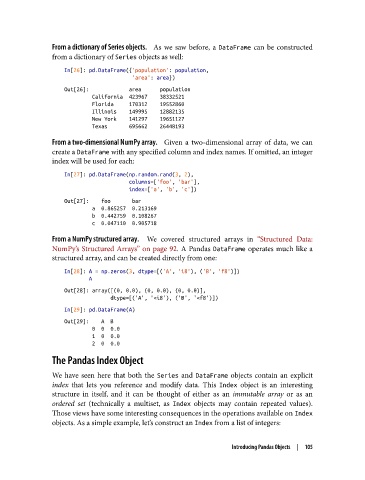
From a dictionary of Series objects.     As we saw before, a DataFrame  can be constructed
               from a dictionary of Series objects as well:

                   In[26]: pd.DataFrame({'population': population,
                                         'area': area})
                   Out[26]:             area      population
                            California  423967    38332521
                            Florida     170312    19552860
                            Illinois    149995    12882135
                            New York    141297    19651127
                            Texas       695662    26448193

               From a two-dimensional NumPy array.     Given a two-dimensional array of data, we can
               create a DataFrame with any specified column and index names. If omitted, an integer
               index will be used for each:

                   In[27]: pd.DataFrame(np.random.rand(3, 2),
                                        columns=['foo', 'bar'],
                                        index=['a', 'b', 'c'])
                   Out[27]:    foo       bar
                            a  0.865257  0.213169
                            b  0.442759  0.108267
                            c  0.047110  0.905718
               From a NumPy structured array.     We covered structured arrays in “Structured Data:
               NumPy’s Structured Arrays” on page 92. A Pandas DataFrame  operates much like a
               structured array, and can be created directly from one:
                   In[28]: A = np.zeros(3, dtype=[('A', 'i8'), ('B', 'f8')])
                           A
                   Out[28]: array([(0, 0.0), (0, 0.0), (0, 0.0)],
                                  dtype=[('A', '<i8'), ('B', '<f8')])
                   In[29]: pd.DataFrame(A)
                   Out[29]:    A  B
                            0  0  0.0
                            1  0  0.0
                            2  0  0.0
               The Pandas Index Object

               We have seen here that both the Series  and DataFrame  objects contain an explicit
               index  that lets you reference and modify data. This Index  object is an interesting
               structure in itself, and it can be thought of either as an immutable array  or as an
               ordered set  (technically a multiset, as Index  objects may contain repeated values).
               Those views have some interesting consequences in the operations available on Index
               objects. As a simple example, let’s construct an Index from a list of integers:


                                                                 Introducing Pandas Objects  |  105

