


Page 140 - Python Data Science Handbook
P. 140
In[4]: vals1.sum()
                   TypeError                                 Traceback (most recent call last)
                   <ipython-input-4-749fd8ae6030> in <module>()
                   ----> 1 vals1.sum()

                   /Users/jakevdp/anaconda/lib/python3.5/site-packages/numpy/core/_methods.py ...
                        30
                        31 def _sum(a, axis=None, dtype=None, out=None, keepdims=False):
                   ---> 32     return umr_sum(a, axis, dtype, out, keepdims)
                        33
                        34 def _prod(a, axis=None, dtype=None, out=None, keepdims=False):


                   TypeError: unsupported operand type(s) for +: 'int' and 'NoneType'
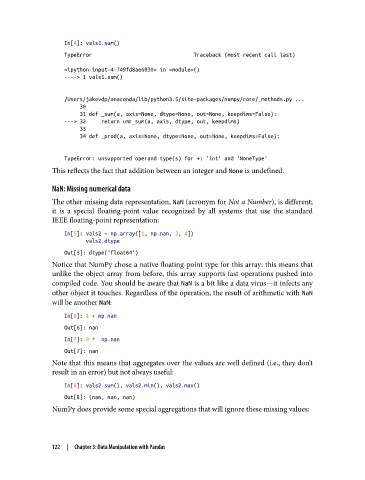
               This reflects the fact that addition between an integer and None is undefined.


               NaN: Missing numerical data
               The other missing data representation, NaN (acronym for Not a Number), is different;
               it is a special floating-point value recognized by all systems that use the standard
               IEEE floating-point representation:

                   In[5]: vals2 = np.array([1, np.nan, 3, 4])
                          vals2.dtype
                   Out[5]: dtype('float64')
               Notice that NumPy chose a native floating-point type for this array: this means that
               unlike the object array from before, this array supports fast operations pushed into
               compiled code. You should be aware that NaN is a bit like a data virus—it infects any
               other object it touches. Regardless of the operation, the result of arithmetic with NaN
               will be another NaN:

                   In[6]: 1 + np.nan
                   Out[6]: nan
                   In[7]: 0 *  np.nan
                   Out[7]: nan
               Note that this means that aggregates over the values are well defined (i.e., they don’t
               result in an error) but not always useful:

                   In[8]: vals2.sum(), vals2.min(), vals2.max()
                   Out[8]: (nan, nan, nan)
               NumPy does provide some special aggregations that will ignore these missing values:


               122  |  Chapter 3: Data Manipulation with Pandas

