


Page 135 - Python Data Science Handbook
P. 135
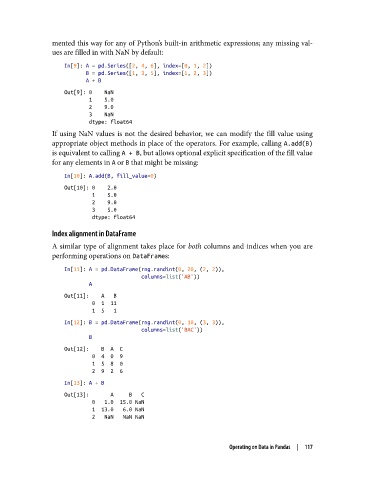
mented this way for any of Python’s built-in arithmetic expressions; any missing val‐
               ues are filled in with NaN by default:

                   In[9]: A = pd.Series([2, 4, 6], index=[0, 1, 2])
                          B = pd.Series([1, 3, 5], index=[1, 2, 3])
                          A + B
                   Out[9]: 0    NaN
                           1    5.0
                           2    9.0
                           3    NaN
                           dtype: float64
               If using NaN values is not the desired behavior, we can modify the fill value using
               appropriate object methods in place of the operators. For example, calling A.add(B)
               is equivalent to calling A + B, but allows optional explicit specification of the fill value
               for any elements in A or B that might be missing:

                   In[10]: A.add(B, fill_value=0)
                   Out[10]: 0    2.0
                            1    5.0
                            2    9.0
                            3    5.0
                            dtype: float64
               Index alignment in DataFrame

               A similar type of alignment takes place for both columns and indices when you are
               performing operations on DataFrames:

                   In[11]: A = pd.DataFrame(rng.randint(0, 20, (2, 2)),
                                            columns=list('AB'))
                           A
                   Out[11]:    A   B
                            0  1  11
                            1  5   1
                   In[12]: B = pd.DataFrame(rng.randint(0, 10, (3, 3)),
                                            columns=list('BAC'))
                           B
                   Out[12]:    B  A  C
                            0  4  0  9
                            1  5  8  0
                            2  9  2  6
                   In[13]: A + B
                   Out[13]:       A     B   C
                            0   1.0  15.0 NaN
                            1  13.0   6.0 NaN
                            2   NaN   NaN NaN


                                                                Operating on Data in Pandas  |  117

