


Page 27 - Python Data Science Handbook
P. 27
Text Entry Shortcuts

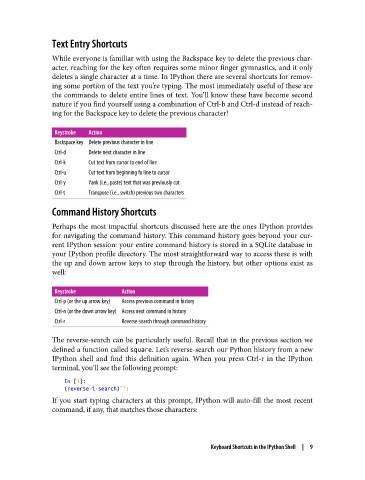
               While everyone is familiar with using the Backspace key to delete the previous char‐
               acter, reaching for the key often requires some minor finger gymnastics, and it only
               deletes a single character at a time. In IPython there are several shortcuts for remov‐
               ing some portion of the text you’re typing. The most immediately useful of these are
               the commands to delete entire lines of text. You’ll know these have become second
               nature if you find yourself using a combination of Ctrl-b and Ctrl-d instead of reach‐
               ing for the Backspace key to delete the previous character!

                Keystroke  Action
                Backspace key Delete previous character in line
                Ctrl-d   Delete next character in line
                Ctrl-k   Cut text from cursor to end of line
                Ctrl-u   Cut text from beginning fo line to cursor
                Ctrl-y   Yank (i.e., paste) text that was previously cut
                Ctrl-t   Transpose (i.e., switch) previous two characters

               Command History Shortcuts

               Perhaps the most impactful shortcuts discussed here are the ones IPython provides
               for navigating the command history. This command history goes beyond your cur‐
               rent IPython session: your entire command history is stored in a SQLite database in
               your IPython profile directory. The most straightforward way to access these is with
               the up and down arrow keys to step through the history, but other options exist as
               well:


                Keystroke          Action
                Ctrl-p (or the up arrow key)  Access previous command in history
                Ctrl-n (or the down arrow key) Access next command in history
                Ctrl-r             Reverse-search through command history

               The reverse-search can be particularly useful. Recall that in the previous section we
               defined a function called square. Let’s reverse-search our Python history from a new
               IPython shell and find this definition again. When you press Ctrl-r in the IPython
               terminal, you’ll see the following prompt:

                   In [1]:
                   (reverse-i-search)`':
               If you start typing characters at this prompt, IPython will auto-fill the most recent
               command, if any, that matches those characters:


                                                           Keyboard Shortcuts in the IPython Shell  |  9

