


Page 29 - Python Data Science Handbook
P. 29
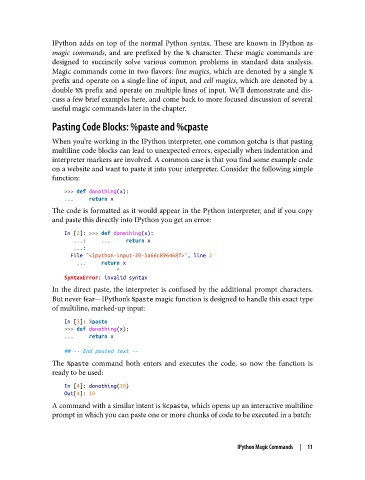
IPython adds on top of the normal Python syntax. These are known in IPython as
               magic commands, and are prefixed by the %  character. These magic commands are
               designed to succinctly solve various common problems in standard data analysis.
               Magic commands come in two flavors: line magics, which are denoted by a single %
               prefix and operate on a single line of input, and cell magics, which are denoted by a
               double %%  prefix and operate on multiple lines of input. We’ll demonstrate and dis‐
               cuss a few brief examples here, and come back to more focused discussion of several
               useful magic commands later in the chapter.

               Pasting Code Blocks: %paste and %cpaste

               When you’re working in the IPython interpreter, one common gotcha is that pasting
               multiline code blocks can lead to unexpected errors, especially when indentation and
               interpreter markers are involved. A common case is that you find some example code
               on a website and want to paste it into your interpreter. Consider the following simple
               function:
                   >>> def donothing(x):
                   ...     return x
               The code is formatted as it would appear in the Python interpreter, and if you copy
               and paste this directly into IPython you get an error:

                   In [2]: >>> def donothing(x):
                      ...:     ...     return x
                      ...:
                     File "<ipython-input-20-5a66c8964687>", line 2
                       ...     return x
                                    ^
                   SyntaxError: invalid syntax
               In the direct paste, the interpreter is confused by the additional prompt characters.
               But never fear—IPython’s %paste magic function is designed to handle this exact type
               of multiline, marked-up input:

                   In [3]: %paste
                   >>> def donothing(x):
                   ...     return x

                   ## -- End pasted text --
               The %paste  command both enters and executes the code, so now the function is
               ready to be used:

                   In [4]: donothing(10)
                   Out[4]: 10
               A command with a similar intent is %cpaste, which opens up an interactive multiline
               prompt in which you can paste one or more chunks of code to be executed in a batch:


                                                                   IPython Magic Commands  |  11

