


Page 61 - Python Data Science Handbook
P. 61
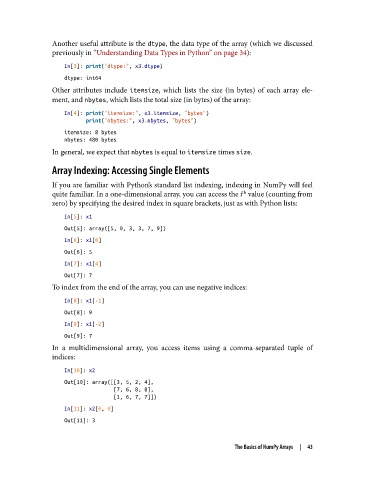
Another useful attribute is the dtype, the data type of the array (which we discussed
               previously in “Understanding Data Types in Python” on page 34):

                   In[3]: print("dtype:", x3.dtype)
                   dtype: int64
               Other attributes include itemsize, which lists the size (in bytes) of each array ele‐
               ment, and nbytes, which lists the total size (in bytes) of the array:

                   In[4]: print("itemsize:", x3.itemsize, "bytes")
                          print("nbytes:", x3.nbytes, "bytes")
                   itemsize: 8 bytes
                   nbytes: 480 bytes
               In general, we expect that nbytes is equal to itemsize times size.

               Array Indexing: Accessing Single Elements

               If you are familiar with Python’s standard list indexing, indexing in NumPy will feel
               quite familiar. In a one-dimensional array, you can access the i  value (counting from
                                                                    th
               zero) by specifying the desired index in square brackets, just as with Python lists:

                   In[5]: x1
                   Out[5]: array([5, 0, 3, 3, 7, 9])
                   In[6]: x1[0]
                   Out[6]: 5
                   In[7]: x1[4]
                   Out[7]: 7
               To index from the end of the array, you can use negative indices:
                   In[8]: x1[-1]
                   Out[8]: 9
                   In[9]: x1[-2]
                   Out[9]: 7
               In a multidimensional array, you access items using a comma-separated tuple of
               indices:
                   In[10]: x2
                   Out[10]: array([[3, 5, 2, 4],
                                   [7, 6, 8, 8],
                                   [1, 6, 7, 7]])
                   In[11]: x2[0, 0]
                   Out[11]: 3


                                                                  The Basics of NumPy Arrays  |  43

