


Page 62 - Python Data Science Handbook
P. 62
In[12]: x2[2, 0]
                   Out[12]: 1
                   In[13]: x2[2, -1]
                   Out[13]: 7
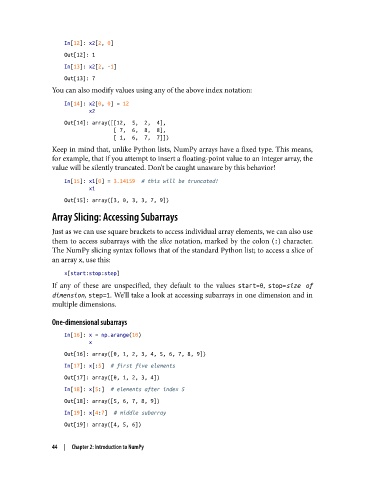
               You can also modify values using any of the above index notation:
                   In[14]: x2[0, 0] = 12
                           x2

                   Out[14]: array([[12,  5,  2,  4],
                                   [ 7,  6,  8,  8],
                                   [ 1,  6,  7,  7]])
               Keep in mind that, unlike Python lists, NumPy arrays have a fixed type. This means,
               for example, that if you attempt to insert a floating-point value to an integer array, the
               value will be silently truncated. Don’t be caught unaware by this behavior!

                   In[15]: x1[0] = 3.14159  # this will be truncated!
                           x1
                   Out[15]: array([3, 0, 3, 3, 7, 9])
               Array Slicing: Accessing Subarrays

               Just as we can use square brackets to access individual array elements, we can also use
               them to access subarrays with the slice  notation, marked by the colon (:) character.
               The NumPy slicing syntax follows that of the standard Python list; to access a slice of
               an array x, use this:
                   x[start:stop:step]
               If any of these are unspecified, they default to the values start=0, stop=size of
               dimension, step=1. We’ll take a look at accessing subarrays in one dimension and in
               multiple dimensions.

               One-dimensional subarrays
                   In[16]: x = np.arange(10)
                           x
                   Out[16]: array([0, 1, 2, 3, 4, 5, 6, 7, 8, 9])
                   In[17]: x[:5]  # first five elements
                   Out[17]: array([0, 1, 2, 3, 4])
                   In[18]: x[5:]  # elements after index 5
                   Out[18]: array([5, 6, 7, 8, 9])
                   In[19]: x[4:7]  # middle subarray

                   Out[19]: array([4, 5, 6])

               44  |  Chapter 2: Introduction to NumPy

