


Page 64 - Python Data Science Handbook
P. 64
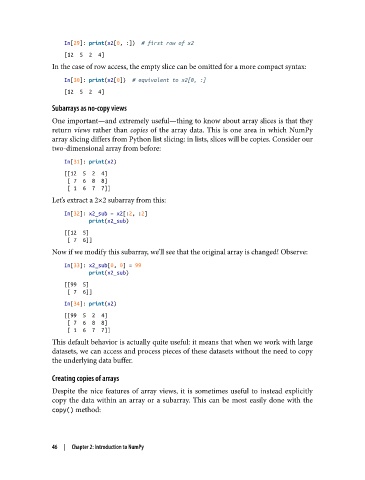
In[29]: print(x2[0, :])  # first row of x2
                   [12  5  2  4]
               In the case of row access, the empty slice can be omitted for a more compact syntax:
                   In[30]: print(x2[0])  # equivalent to x2[0, :]
                   [12  5  2  4]

               Subarrays as no-copy views
               One important—and extremely useful—thing to know about array slices is that they
               return views  rather than copies  of the array data. This is one area in which NumPy
               array slicing differs from Python list slicing: in lists, slices will be copies. Consider our
               two-dimensional array from before:
                   In[31]: print(x2)
                   [[12  5  2  4]
                    [ 7  6  8  8]
                    [ 1  6  7  7]]
               Let’s extract a 2×2 subarray from this:
                   In[32]: x2_sub = x2[:2, :2]
                           print(x2_sub)
                   [[12  5]
                    [ 7  6]]
               Now if we modify this subarray, we’ll see that the original array is changed! Observe:

                   In[33]: x2_sub[0, 0] = 99
                           print(x2_sub)
                   [[99  5]
                    [ 7  6]]
                   In[34]: print(x2)
                   [[99  5  2  4]
                    [ 7  6  8  8]
                    [ 1  6  7  7]]
               This default behavior is actually quite useful: it means that when we work with large
               datasets, we can access and process pieces of these datasets without the need to copy
               the underlying data buffer.

               Creating copies of arrays
               Despite the nice features of array views, it is sometimes useful to instead explicitly
               copy the data within an array or a subarray. This can be most easily done with the
               copy() method:


               46  |  Chapter 2: Introduction to NumPy

