


Page 66 - Python Data Science Handbook
P. 66
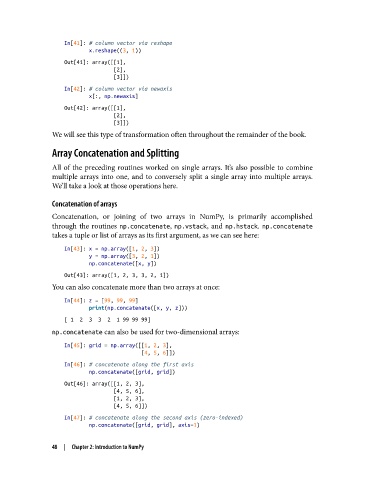
In[41]: # column vector via reshape
                           x.reshape((3, 1))
                   Out[41]: array([[1],
                                   [2],
                                   [3]])
                   In[42]: # column vector via newaxis
                           x[:, np.newaxis]
                   Out[42]: array([[1],
                                   [2],
                                   [3]])
               We will see this type of transformation often throughout the remainder of the book.

               Array Concatenation and Splitting

               All of the preceding routines worked on single arrays. It’s also possible to combine
               multiple arrays into one, and to conversely split a single array into multiple arrays.
               We’ll take a look at those operations here.

               Concatenation of arrays
               Concatenation, or joining of two arrays in NumPy, is primarily accomplished
               through the routines np.concatenate, np.vstack, and np.hstack. np.concatenate
               takes a tuple or list of arrays as its first argument, as we can see here:
                   In[43]: x = np.array([1, 2, 3])
                           y = np.array([3, 2, 1])
                           np.concatenate([x, y])
                   Out[43]: array([1, 2, 3, 3, 2, 1])
               You can also concatenate more than two arrays at once:

                   In[44]: z = [99, 99, 99]
                           print(np.concatenate([x, y, z]))
                   [ 1  2  3  3  2  1 99 99 99]
               np.concatenate can also be used for two-dimensional arrays:

                   In[45]: grid = np.array([[1, 2, 3],
                                            [4, 5, 6]])
                   In[46]: # concatenate along the first axis
                           np.concatenate([grid, grid])
                   Out[46]: array([[1, 2, 3],
                                   [4, 5, 6],
                                   [1, 2, 3],
                                   [4, 5, 6]])
                   In[47]: # concatenate along the second axis (zero-indexed)
                           np.concatenate([grid, grid], axis=1)

               48  |  Chapter 2: Introduction to NumPy

