


Page 65 - Python Data Science Handbook
P. 65
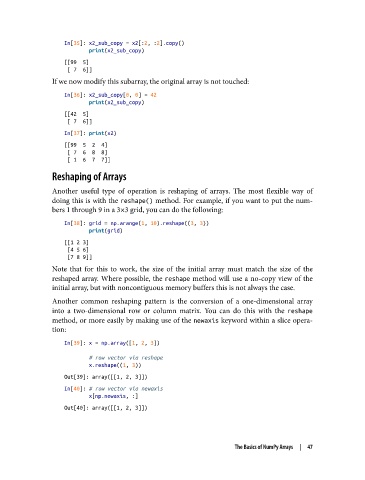
In[35]: x2_sub_copy = x2[:2, :2].copy()
                           print(x2_sub_copy)
                   [[99  5]
                    [ 7  6]]
               If we now modify this subarray, the original array is not touched:

                   In[36]: x2_sub_copy[0, 0] = 42
                           print(x2_sub_copy)
                   [[42  5]
                    [ 7  6]]
                   In[37]: print(x2)
                   [[99  5  2  4]
                    [ 7  6  8  8]
                    [ 1  6  7  7]]
               Reshaping of Arrays

               Another useful type of operation is reshaping of arrays. The most flexible way of
               doing this is with the reshape() method. For example, if you want to put the num‐
               bers 1 through 9 in a 3×3 grid, you can do the following:

                   In[38]: grid = np.arange(1, 10).reshape((3, 3))
                           print(grid)
                   [[1 2 3]
                    [4 5 6]
                    [7 8 9]]
               Note that for this to work, the size of the initial array must match the size of the
               reshaped array. Where possible, the reshape method will use a no-copy view of the
               initial array, but with noncontiguous memory buffers this is not always the case.
               Another common reshaping pattern is the conversion of a one-dimensional array
               into a two-dimensional row or column matrix. You can do this with the reshape
               method, or more easily by making use of the newaxis keyword within a slice opera‐
               tion:
                   In[39]: x = np.array([1, 2, 3])

                           # row vector via reshape
                           x.reshape((1, 3))
                   Out[39]: array([[1, 2, 3]])
                   In[40]: # row vector via newaxis
                           x[np.newaxis, :]
                   Out[40]: array([[1, 2, 3]])


                                                                  The Basics of NumPy Arrays  |  47

