


Page 63 - Python Data Science Handbook
P. 63
In[20]: x[::2]  # every other element
                   Out[20]: array([0, 2, 4, 6, 8])
                   In[21]: x[1::2]  # every other element, starting at index 1
                   Out[21]: array([1, 3, 5, 7, 9])
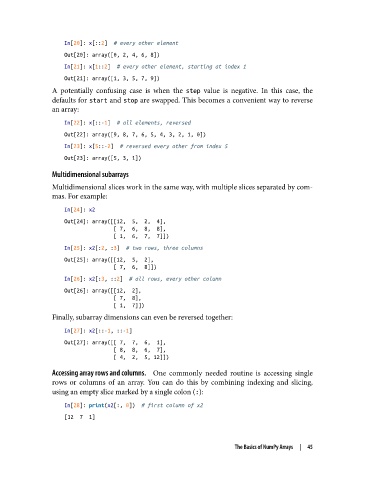
               A potentially confusing case is when the step  value is negative. In this case, the
               defaults for start and stop are swapped. This becomes a convenient way to reverse
               an array:

                   In[22]: x[::-1]  # all elements, reversed
                   Out[22]: array([9, 8, 7, 6, 5, 4, 3, 2, 1, 0])
                   In[23]: x[5::-2]  # reversed every other from index 5
                   Out[23]: array([5, 3, 1])
               Multidimensional subarrays
               Multidimensional slices work in the same way, with multiple slices separated by com‐
               mas. For example:

                   In[24]: x2
                   Out[24]: array([[12,  5,  2,  4],
                                   [ 7,  6,  8,  8],
                                   [ 1,  6,  7,  7]])
                   In[25]: x2[:2, :3]  # two rows, three columns
                   Out[25]: array([[12,  5,  2],
                                   [ 7,  6,  8]])
                   In[26]: x2[:3, ::2]  # all rows, every other column
                   Out[26]: array([[12,  2],
                                   [ 7,  8],
                                   [ 1,  7]])
               Finally, subarray dimensions can even be reversed together:
                   In[27]: x2[::-1, ::-1]
                   Out[27]: array([[ 7,  7,  6,  1],
                                   [ 8,  8,  6,  7],
                                   [ 4,  2,  5, 12]])
               Accessing array rows and columns.     One commonly needed routine is accessing single
               rows or columns of an array. You can do this by combining indexing and slicing,
               using an empty slice marked by a single colon (:):
                   In[28]: print(x2[:, 0])  # first column of x2
                   [12  7  1]


                                                                  The Basics of NumPy Arrays  |  45

