


Page 58 - 18-868 SEO PowerSuite Workflow_VPMGC
P. 58
SEO Workflow


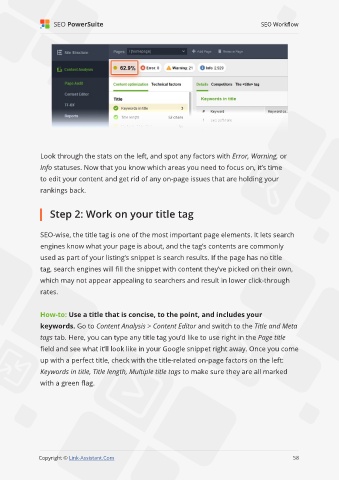
               Look through the stats on the left, and spot any factors with Error, Warning, or

               Info statuses. Now that you know which areas you need to focus on, it’s time
               to edit your content and get rid of any on-page issues that are holding your

               rankings back.


                   Step 2: Work on your title tag


               SEO-wise, the title tag is one of the most important page elements. It lets search

               engines know what your page is about, and the tag’s contents are commonly
               used as part of your listing’s snippet is search results. If the page has no title

               tag, search engines will fill the snippet with content they’ve picked on their own,
               which may not appear appealing to searchers and result in lower click-through

               rates.


               How-to: Use a title that is concise, to the point, and includes your
               keywords. Go to Content Analysis > Content Editor and switch to the Title and Meta

               tags tab. Here, you can type any title tag you’d like to use right in the Page title
               field and see what it’ll look like in your Google snippet right away. Once you come

               up with a perfect title, check with the title-related on-page factors on the left:
               Keywords in title, Title length, Multiple title tags to make sure they are all marked

               with a green flag.


                                                                                                             58

               Copyright © Link-Assistant.Com                                                           58

