


Page 62 - 18-868 SEO PowerSuite Workflow_VPMGC
P. 62
SEO Workflow


               How-to 2: Optimize your headings.  Your page’s heading tags are strong

               relevancy signals to search engines, so it’s a good idea to include your keywords

               in some of them. H1 is your page’s main heading, and by far the most important
               one; but if your content is long enough to have H2-6 headings as well, these are
               all good spots to include your keywords in. Remember not to use the same term

               overly though; think of synonyms and related phrases to diversify your content,

               and try to target topics or concepts rather than exact-match keywords.


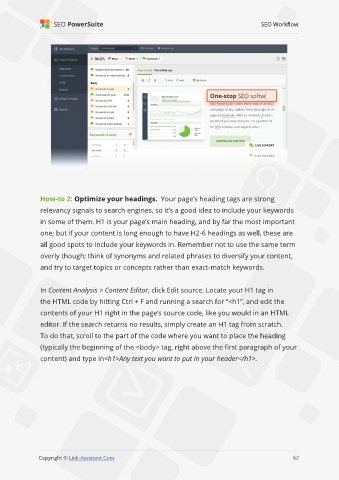
               In Content Analysis > Content Editor, click Edit source. Locate your H1 tag in

               the HTML code by hitting Ctrl + F and running a search for “<h1”, and edit the

               contents of your H1 right in the page’s source code, like you would in an HTML
               editor. If the search returns no results, simply create an H1 tag from scratch.
               To do that, scroll to the part of the code where you want to place the heading

               (typically the beginning of the <body> tag, right above the first paragraph of your

               content) and type in<h1>Any text you want to put in your header</h1>.


                                                                                                             62

               Copyright © Link-Assistant.Com                                                           62

