


Page 18 - Computing Book 7
P. 18
Data Handling                                                                        Class 7


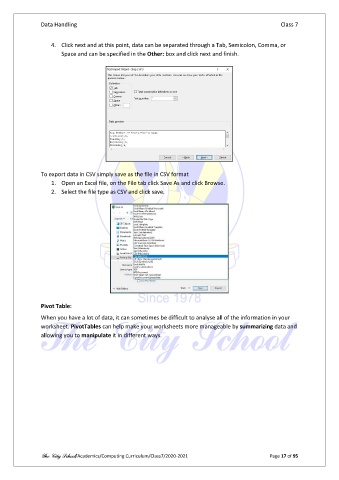
                   4.  Click next and at this point, data can be separated through a Tab, Semicolon, Comma, or
                       Space and can be specified in the Other: box and click next and finish.


               To export data in CSV simply save as the file in CSV format
                   1.  Open an Excel file, on the File tab click Save As and click Browse.
                   2.  Select the file type as CSV and click save.


               Pivot Table:

               When you have a lot of data, it can sometimes be difficult to analyse all of the information in your
               worksheet. PivotTables can help make your worksheets more manageable by summarizing data and
               allowing you to manipulate it in different ways.


               The City School/Academics/Computing Curriculum/Class7/2020-2021                  Page 17 of 95

