


Page 62 - Computing Book 5
P. 62
Desktop Publishing                                                                   Class 5


               Save a Document Theme

               Any changes that you make to the colours, the fonts, or the line and fill effects of a document theme
               can be saved as a custom document theme that you can apply to other documents.
                   1.  On the Page Layout tab, in the Themes group, click Theme.
                   2.  Then click the Save current theme... button.
                   3.  After you open the Edraw program next time, you can find the customized theme you
                       created just now.

               Tips:

               You can modify the theme name, theme font name in the
               Themes.xml and ThemeFonts.xml. (Find the two files in the install
               folder\Config\)
               Prevent a Shape from Using Theme Effects or Colours
                   1.  Select the shape.
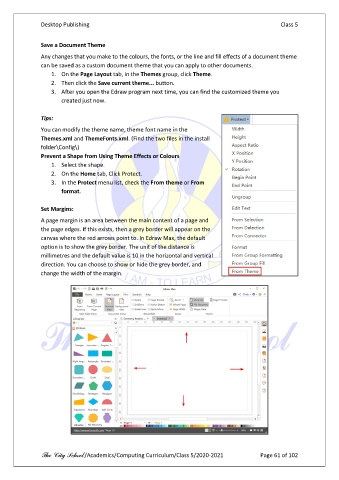
                   2.  On the Home tab, Click Protect.
                   3.  In the Protect menu list, check the From theme or From
                       format.

               Set Margins:

               A page margin is an area between the main content of a page and
               the page edges. If this exists, then a grey border will appear on the
               canvas where the red arrows point to. In Edraw Max, the default
               option is to show the grey border. The unit of the distance is
               millimetres and the default value is 10 in the horizontal and vertical
               direction. You can choose to show or hide the grey border, and
               change the width of the margin.


               The City School /Academics/Computing Curriculum/Class 5/2020-2021            Page 61 of 102

