


Page 124 - Python Data Science Handbook
P. 124
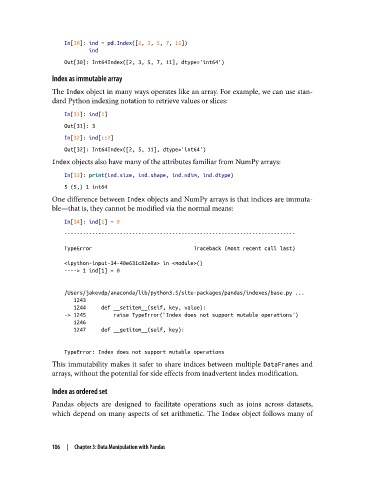
In[30]: ind = pd.Index([2, 3, 5, 7, 11])
                           ind
                   Out[30]: Int64Index([2, 3, 5, 7, 11], dtype='int64')

               Index as immutable array
               The Index object in many ways operates like an array. For example, we can use stan‐
               dard Python indexing notation to retrieve values or slices:

                   In[31]: ind[1]
                   Out[31]: 3
                   In[32]: ind[::2]
                   Out[32]: Int64Index([2, 5, 11], dtype='int64')
               Index objects also have many of the attributes familiar from NumPy arrays:

                   In[33]: print(ind.size, ind.shape, ind.ndim, ind.dtype)
                   5 (5,) 1 int64
               One difference between Index objects and NumPy arrays is that indices are immuta‐
               ble—that is, they cannot be modified via the normal means:

                   In[34]: ind[1] = 0
                   ---------------------------------------------------------------------------
                   TypeError                                 Traceback (most recent call last)

                   <ipython-input-34-40e631c82e8a> in <module>()
                   ----> 1 ind[1] = 0


                   /Users/jakevdp/anaconda/lib/python3.5/site-packages/pandas/indexes/base.py ...
                      1243
                      1244     def __setitem__(self, key, value):
                   -> 1245         raise TypeError("Index does not support mutable operations")
                      1246
                      1247     def __getitem__(self, key):


                   TypeError: Index does not support mutable operations
               This immutability makes it safer to share indices between multiple DataFrames and
               arrays, without the potential for side effects from inadvertent index modification.

               Index as ordered set

               Pandas objects are designed to facilitate operations such as joins across datasets,
               which depend on many aspects of set arithmetic. The Index object follows many of


               106  |  Chapter 3: Data Manipulation with Pandas

