


Page 131 - Python Data Science Handbook
P. 131
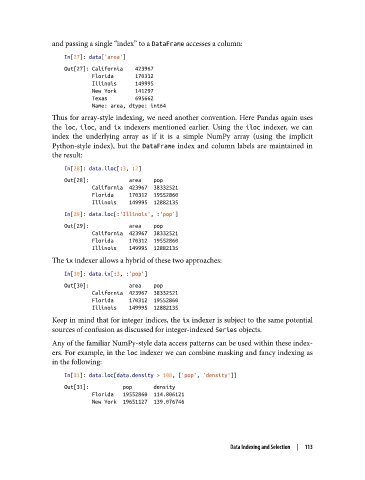
and passing a single “index” to a DataFrame accesses a column:
                   In[27]: data['area']
                   Out[27]: California    423967
                            Florida       170312
                            Illinois      149995
                            New York      141297
                            Texas         695662
                            Name: area, dtype: int64
               Thus for array-style indexing, we need another convention. Here Pandas again uses
               the loc, iloc, and ix  indexers mentioned earlier. Using the iloc  indexer, we can
               index the underlying array as if it is a simple NumPy array (using the implicit
               Python-style index), but the DataFrame  index and column labels are maintained in
               the result:
                   In[28]: data.iloc[:3, :2]
                   Out[28]:             area    pop
                            California  423967  38332521
                            Florida     170312  19552860
                            Illinois    149995  12882135
                   In[29]: data.loc[:'Illinois', :'pop']
                   Out[29]:             area    pop
                            California  423967  38332521
                            Florida     170312  19552860
                            Illinois    149995  12882135
               The ix indexer allows a hybrid of these two approaches:

                   In[30]: data.ix[:3, :'pop']
                   Out[30]:             area    pop
                            California  423967  38332521
                            Florida     170312  19552860
                            Illinois    149995  12882135
               Keep in mind that for integer indices, the ix indexer is subject to the same potential
               sources of confusion as discussed for integer-indexed Series objects.
               Any of the familiar NumPy-style data access patterns can be used within these index‐
               ers. For example, in the loc indexer we can combine masking and fancy indexing as
               in the following:

                   In[31]: data.loc[data.density > 100, ['pop', 'density']]
                   Out[31]:           pop       density
                            Florida   19552860  114.806121
                            New York  19651127  139.076746


                                                                 Data Indexing and Selection  |  113

