


Page 134 - Python Data Science Handbook
P. 134
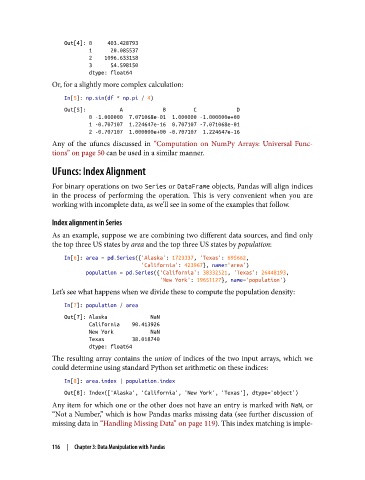
Out[4]: 0     403.428793
                           1      20.085537
                           2    1096.633158
                           3      54.598150
                           dtype: float64
               Or, for a slightly more complex calculation:
                   In[5]: np.sin(df * np.pi / 4)
                   Out[5]:           A             B         C             D
                           0 -1.000000  7.071068e-01  1.000000 -1.000000e+00
                           1 -0.707107  1.224647e-16  0.707107 -7.071068e-01
                           2 -0.707107  1.000000e+00 -0.707107  1.224647e-16
               Any of the ufuncs discussed in “Computation on NumPy Arrays: Universal Func‐
               tions” on page 50 can be used in a similar manner.

               UFuncs: Index Alignment

               For binary operations on two Series or DataFrame objects, Pandas will align indices
               in the process of performing the operation. This is very convenient when you are
               working with incomplete data, as we’ll see in some of the examples that follow.

               Index alignment in Series

               As an example, suppose we are combining two different data sources, and find only
               the top three US states by area and the top three US states by population:

                   In[6]: area = pd.Series({'Alaska': 1723337, 'Texas': 695662,
                                            'California': 423967}, name='area')
                          population = pd.Series({'California': 38332521, 'Texas': 26448193,
                                                  'New York': 19651127}, name='population')
               Let’s see what happens when we divide these to compute the population density:

                   In[7]: population / area
                   Out[7]: Alaska              NaN
                           California    90.413926
                           New York            NaN
                           Texas         38.018740
                           dtype: float64
               The resulting array contains the union  of indices of the two input arrays, which we
               could determine using standard Python set arithmetic on these indices:

                   In[8]: area.index | population.index
                   Out[8]: Index(['Alaska', 'California', 'New York', 'Texas'], dtype='object')
               Any item for which one or the other does not have an entry is marked with NaN, or
               “Not a Number,” which is how Pandas marks missing data (see further discussion of
               missing data in “Handling Missing Data” on page 119). This index matching is imple‐


               116  |  Chapter 3: Data Manipulation with Pandas

