


Page 190 - Python Data Science Handbook
P. 190
gradient favors both women and higher classes. First-class women survived with near
               certainty (hi, Rose!), while only one in ten third-class men survived (sorry, Jack!).

               Multilevel pivot tables

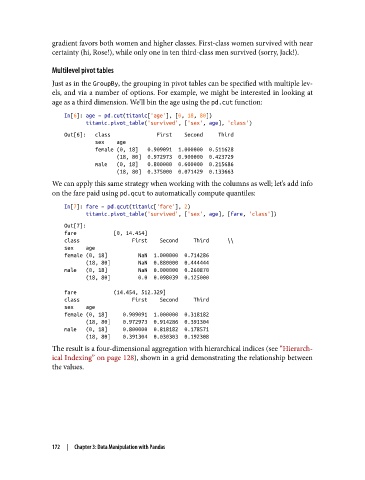
               Just as in the GroupBy, the grouping in pivot tables can be specified with multiple lev‐
               els, and via a number of options. For example, we might be interested in looking at
               age as a third dimension. We’ll bin the age using the pd.cut function:
                   In[6]: age = pd.cut(titanic['age'], [0, 18, 80])
                          titanic.pivot_table('survived', ['sex', age], 'class')
                   Out[6]:   class               First    Second     Third
                             sex    age
                             female (0, 18]   0.909091  1.000000  0.511628
                                    (18, 80]  0.972973  0.900000  0.423729
                             male   (0, 18]   0.800000  0.600000  0.215686
                                    (18, 80]  0.375000  0.071429  0.133663
               We can apply this same strategy when working with the columns as well; let’s add info
               on the fare paid using pd.qcut to automatically compute quantiles:

                   In[7]: fare = pd.qcut(titanic['fare'], 2)
                          titanic.pivot_table('survived', ['sex', age], [fare, 'class'])
                   Out[7]:
                   fare            [0, 14.454]
                   class                 First    Second     Third      \\
                   sex    age
                   female (0, 18]          NaN  1.000000  0.714286
                          (18, 80]         NaN  0.880000  0.444444
                   male   (0, 18]          NaN  0.000000  0.260870
                          (18, 80]         0.0  0.098039  0.125000

                   fare            (14.454, 512.329]
                   class                 First    Second     Third
                   sex    age
                   female (0, 18]     0.909091  1.000000  0.318182
                          (18, 80]    0.972973  0.914286  0.391304
                   male   (0, 18]     0.800000  0.818182  0.178571
                          (18, 80]    0.391304  0.030303  0.192308
               The result is a four-dimensional aggregation with hierarchical indices (see “Hierarch‐
               ical Indexing” on page 128), shown in a grid demonstrating the relationship between
               the values.


               172  |  Chapter 3: Data Manipulation with Pandas

