


Page 80 - Python Data Science Handbook
P. 80
2,John Adams,170
                   3,Thomas Jefferson,189
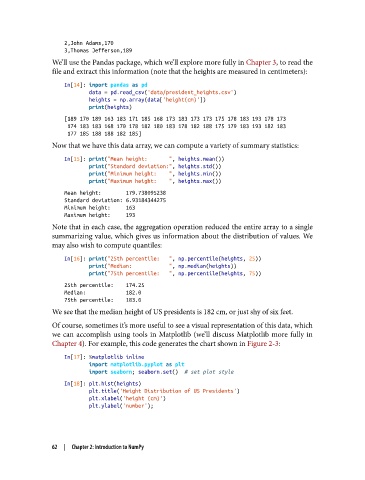
               We’ll use the Pandas package, which we’ll explore more fully in Chapter 3, to read the
               file and extract this information (note that the heights are measured in centimeters):

                   In[14]: import pandas as pd
                           data = pd.read_csv('data/president_heights.csv')
                           heights = np.array(data['height(cm)'])
                           print(heights)
                   [189 170 189 163 183 171 185 168 173 183 173 173 175 178 183 193 178 173
                    174 183 183 168 170 178 182 180 183 178 182 188 175 179 183 193 182 183
                    177 185 188 188 182 185]
               Now that we have this data array, we can compute a variety of summary statistics:

                   In[15]: print("Mean height:       ", heights.mean())
                           print("Standard deviation:", heights.std())
                           print("Minimum height:    ", heights.min())
                           print("Maximum height:    ", heights.max())
                   Mean height:        179.738095238
                   Standard deviation: 6.93184344275
                   Minimum height:     163
                   Maximum height:     193
               Note that in each case, the aggregation operation reduced the entire array to a single
               summarizing value, which gives us information about the distribution of values. We
               may also wish to compute quantiles:

                   In[16]: print("25th percentile:   ", np.percentile(heights, 25))
                           print("Median:            ", np.median(heights))
                           print("75th percentile:   ", np.percentile(heights, 75))
                   25th percentile:    174.25
                   Median:             182.0
                   75th percentile:    183.0
               We see that the median height of US presidents is 182 cm, or just shy of six feet.
               Of course, sometimes it’s more useful to see a visual representation of this data, which
               we can accomplish using tools in Matplotlib (we’ll discuss Matplotlib more fully in
               Chapter 4). For example, this code generates the chart shown in Figure 2-3:

                   In[17]: %matplotlib inline
                           import matplotlib.pyplot as plt
                           import seaborn; seaborn.set()  # set plot style
                   In[18]: plt.hist(heights)
                           plt.title('Height Distribution of US Presidents')
                           plt.xlabel('height (cm)')
                           plt.ylabel('number');


               62  |  Chapter 2: Introduction to NumPy

