


Page 75 - Python Data Science Handbook
P. 75
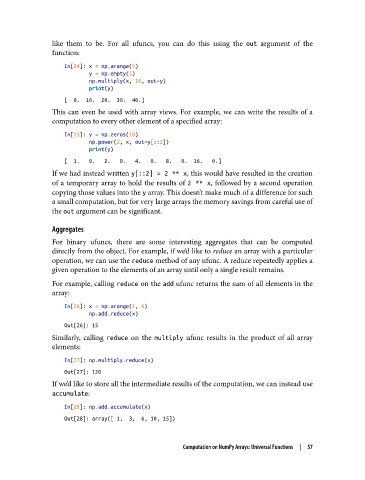
like them to be. For all ufuncs, you can do this using the out  argument of the
               function:

                   In[24]: x = np.arange(5)
                           y = np.empty(5)
                           np.multiply(x, 10, out=y)
                           print(y)
                   [  0.  10.  20.  30.  40.]
               This can even be used with array views. For example, we can write the results of a
               computation to every other element of a specified array:

                   In[25]: y = np.zeros(10)
                           np.power(2, x, out=y[::2])
                           print(y)
                   [  1.   0.   2.   0.   4.   0.   8.   0.  16.   0.]
               If we had instead written y[::2] = 2 ** x, this would have resulted in the creation
               of a temporary array to hold the results of 2 ** x, followed by a second operation
               copying those values into the y array. This doesn’t make much of a difference for such
               a small computation, but for very large arrays the memory savings from careful use of
               the out argument can be significant.

               Aggregates
               For binary ufuncs, there are some interesting aggregates that can be computed
               directly from the object. For example, if we’d like to reduce an array with a particular
               operation, we can use the reduce method of any ufunc. A reduce repeatedly applies a
               given operation to the elements of an array until only a single result remains.
               For example, calling reduce on the add ufunc returns the sum of all elements in the
               array:
                   In[26]: x = np.arange(1, 6)
                           np.add.reduce(x)
                   Out[26]: 15
               Similarly, calling reduce  on the multiply  ufunc results in the product of all array
               elements:

                   In[27]: np.multiply.reduce(x)
                   Out[27]: 120
               If we’d like to store all the intermediate results of the computation, we can instead use
               accumulate:

                   In[28]: np.add.accumulate(x)
                   Out[28]: array([ 1,  3,  6, 10, 15])


                                                    Computation on NumPy Arrays: Universal Functions  |  57

