


Page 77 - Python Data Science Handbook
P. 77
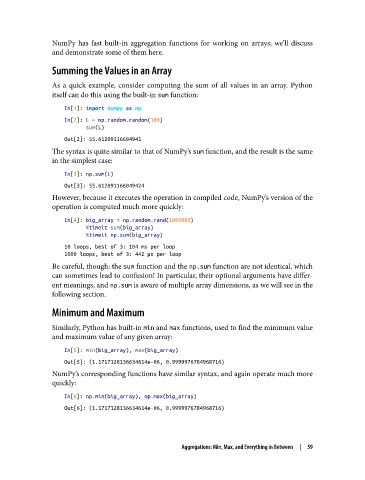
NumPy has fast built-in aggregation functions for working on arrays; we’ll discuss
               and demonstrate some of them here.

               Summing the Values in an Array

               As a quick example, consider computing the sum of all values in an array. Python
               itself can do this using the built-in sum function:
                   In[1]: import numpy as np
                   In[2]: L = np.random.random(100)
                          sum(L)
                   Out[2]: 55.61209116604941
               The syntax is quite similar to that of NumPy’s sum function, and the result is the same
               in the simplest case:
                   In[3]: np.sum(L)
                   Out[3]: 55.612091166049424
               However, because it executes the operation in compiled code, NumPy’s version of the
               operation is computed much more quickly:
                   In[4]: big_array = np.random.rand(1000000)
                          %timeit sum(big_array)
                          %timeit np.sum(big_array)
                   10 loops, best of 3: 104 ms per loop
                   1000 loops, best of 3: 442 µs per loop
               Be careful, though: the sum function and the np.sum function are not identical, which
               can sometimes lead to confusion! In particular, their optional arguments have differ‐
               ent meanings, and np.sum is aware of multiple array dimensions, as we will see in the
               following section.

               Minimum and Maximum

               Similarly, Python has built-in min and max functions, used to find the minimum value
               and maximum value of any given array:

                   In[5]: min(big_array), max(big_array)
                   Out[5]: (1.1717128136634614e-06, 0.9999976784968716)
               NumPy’s corresponding functions have similar syntax, and again operate much more
               quickly:

                   In[6]: np.min(big_array), np.max(big_array)
                   Out[6]: (1.1717128136634614e-06, 0.9999976784968716)


                                                   Aggregations: Min, Max, and Everything in Between  |  59

